
Key facts
- Brand
- Mitsubishi
- Model
- FR-A500
- Documents
- 5
- Languages
- EN · ZH
- Last added
- 2026-10-20
Start here
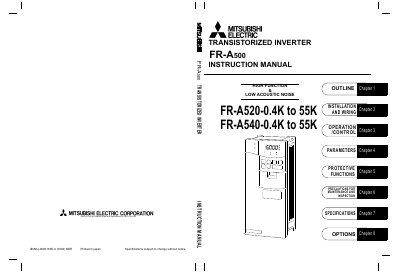
Mitsubishi FR-A500 Transistorized Inverter Instruction Manual
This document serves as the instruction manual for the Mitsubishi FR-A500 transistorized inverter. It provides comprehensive handling information and precautions for the safe use of the equipment, including safety warnings regarding electric shock and fire prevention. The manual outlines the necessary steps to ensure the inverter is used to its optimum performance.
Read onlineMitsubishi FR-A500 specifications
| Ambient temperature (Constant torque) | -10 °C to +50 °C |
|---|---|
| Ambient temperature (Variable torque) | -10 °C to +40 °C |
| Ambient humidity | 90%RH or less |
| Storage temperature | -20 °C to +65 °C |
| Maximum altitude | 1000m above sea level |
| Maximum vibration | 5.9 m/s 2 or less |
Source: Mitsubishi FR-A500 Transistorized Inverter Instruction Manual
All Mitsubishi FR-A500 documents by type
Day-to-day operation, settings and troubleshooting. Start here if the product is already set up.
Questions answered in these manuals
What safety precautions are required before installing the inverter?
The inverter must be earthed (grounded) according to national and local safety regulations and electrical codes.
From: Mitsubishi FR-A500 Transistorized Inverter Instruction Manual
How long must power be off before opening the front cover?
Power must be switched off and at least 10 minutes must wait to check for residual voltage.
From: Mitsubishi FR-A500 Transistorized Inverter Instruction Manual
What should be done before using the inverter?
Read this manual carefully and use the inverter correctly.
What safety levels are defined in this manual?
The manual defines two safety levels: Danger and Caution.
What safety steps must be taken before installing the FR‑A500?
Read the manual carefully, ensure the power is disconnected for at least 10 minutes, avoid opening the front cover while the unit is energized, and perform all wiring and checks only by qualified personnel.
How do I set the rated motor current for overload protection?
Use parameter 9 (or 48) to enter the motor’s rated current in amperes; setting it to 0 disables the electronic overload protection.