
The HP Smart Tank 510 series user guide provides step-by-step instructions on how to set up, use, and maintain your HP Smart Tank 510 series printer.
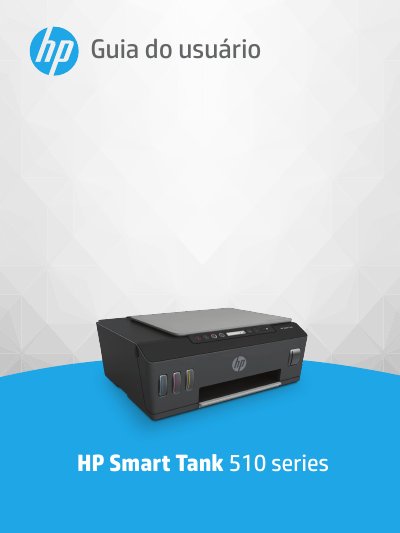
This user guide provides instructions for the HP Smart Tank 510 series ink tank printer. It covers the printer's components, including the ink tank system and control panel features. The document details how to set up the printer, print documents and photos, and use the HP Smart app for printing and scanning. This manual is written in Portuguese.
| Product Type | Ink Tank Printer |
|---|---|
| Document Language | Portuguese |
It is an ink tank printer designed for printing documents and photos.
The guide includes a section on managing ink and print heads to check levels and refill tanks.