
HP Smart Tank 510 Series User Manual

This manual provides instructions for setting up, printing, scanning, copying, and maintaining the HP Smart Tank 510 series inkjet printer.
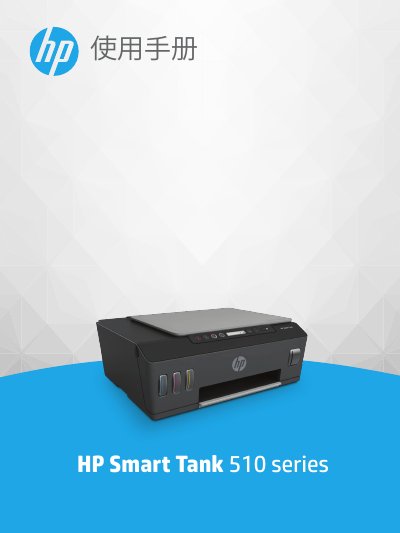

HP Smart Tank 510 Series User Manual - cover page
Brand
HP
Category
Printer
Document type
User Manual
Language
Chinese
Pages
136
File format
PDF
File size
2.1 MB
Published
25 October, 2026
Updated
25 October, 2026
MD5 checksum
FED483E2B2AC9037609B44D17DE128E7

About this manual

The document serves as a comprehensive guide for users of the HP Smart Tank 510 series. It covers initial setup including connecting to wireless networks or via USB, understanding the tank system components, and navigating the control panel. Detailed instructions are provided for printing documents and photos, scanning using the glassbed or HP Smart app, and performing maintenance tasks such as cleaning print heads and managing ink levels. This manual is written in Chinese.

What's inside

  • Printer Parts
  • Tank System Overview
  • Control Panel Functions
  • Printing Documents
  • Scanning and Copying
  • Ink Management
  • Connecting to Network
  • Troubleshooting

Frequently asked questions

What is the maximum number of standard sheets the input tray can hold?

The input tray holds a maximum of 100 sheets of plain paper.

What is the maximum weight of photo paper supported by this printer?

The printer supports photo paper with a weight of up to 300 g/m².

What is the maximum optical resolution for scanning?

The maximum optical scanning resolution is 1200 x 1200 ppi.

Download PDF (2.1 MB)

More HP Manuals


View all HP manuals →