
S600 User Manual

This manual introduces how S600 users can use Microsoft ActiveSync software to synchronize data with the computer

S600 User Manual - cover page
Brand
HP
Category
Mobilephone Accessories
Document type
User Manual
Language
English
Pages
24
File format
PDF
File size
2.6 MB
Published
17 October, 2023
Updated
17 October, 2023
Model
S600
MD5 checksum
416F6E24854865995815F87CFCCF06BA

About this manual

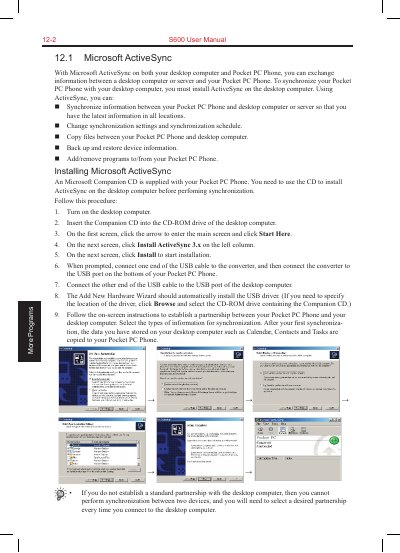
This user manual covers the use of Microsoft ActiveSync to synchronize information between the HP $600 Pocket PC Phone and a desktop computer or server. It details how to install ActiveSync, establish partnerships, and configure synchronization schedules for automatic data exchange.

What's inside

  • Microsoft ActiveSync
  • Synchronizing with Desktop Computer
  • Synchronizing with Server
  • Pocket Word
  • Pocket Excel
  • MSN Messenger
  • Windows Media Player

Frequently asked questions

What software is required on the desktop computer to synchronize with the Pocket PC Phone?

You must install Microsoft ActiveSync on your desktop computer before you can perform synchronization.

What file extension is used for documents saved in Pocket Word?

Word documents are usually saved as .psw files.

Which file extensions can Windows Media Player play by default?

Windows Media Player can play files with the extensions .asf, .wma, .wmv, .mp3 and .mp4.

Download PDF (2.6 MB)

More HP Manuals


View all HP manuals →