
The HP LaserJet M1005 MFP User Guide introduces the features, components, and operation methods of the device, as well as the installation and use of the software. It also provides detailed information on the device's media specifications and usage.
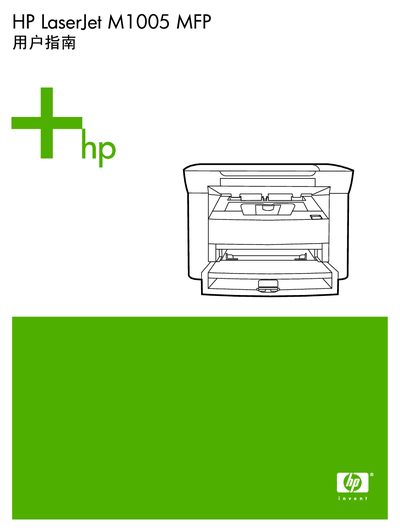
The HP LaserJet M1005 MFP is a compact laser printer with copy and scan functions. This guide provides the information needed to install the device, install software drivers, and configure basic settings.
The document includes sections on device hardware, supported media, step‑by‑step instructions for printing, copying and scanning, maintenance procedures, troubleshooting checklists, and appendices with technical specifications and service information. This manual is written in Chinese.
The manual lists the minimum system requirements in the Software section.
Use the control panel to select “更改默认介质尺寸和类型”.
Refer to the “清洁扫描仪玻璃板” procedure in the Maintenance chapter.
The guide provides step‑by‑step instructions under the “更换打印碳粉盒” section.