
This document is the user guide for the HP LaserJet M1005 MFP, which introduces the features and components of the printer, as well as software installation and how to use the device. It also includes media specifications and printing methods.
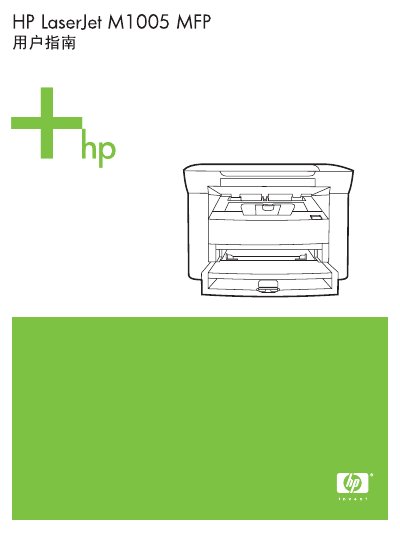
The HP LaserJet M1005 MFP is a multifunction laser printer that prints, copies, and scans. It offers print speeds up to 15 ppm (letter) and 14 ppm (A4), a maximum print resolution of 600 dpi with FastRes 1200 dpi, and a 1200 ppi color scanner. The device includes 32 MB of RAM, a 150-sheet main tray, a 10-sheet priority tray, and a high-speed USB 2.0 interface.
The manual provides instructions for software installation on Windows and Macintosh, media specifications, printing features such as N-up and EconoMode, copying and scanning procedures, maintenance tasks like toner cartridge replacement and cleaning, and troubleshooting for paper jams, print quality, and connectivity issues. Regulatory information and warranty details are also included. This manual is written in Chinese.
| Print speed (letter) | Up to 15 ppm |
|---|---|
| Print speed (A4) | Up to 14 ppm |
| Print resolution | 600 dpi, FastRes 1200 dpi |
| Copy resolution | 600 dpi |
| Scan resolution | 1200 ppi full color |
| Memory | 32 MB RAM |
| Priority tray capacity | 10 sheets |
| Tray 1 capacity | 150 sheets or 10 envelopes |
| Output bin capacity | 100 sheets |
| Interface | High-speed USB 2.0 |
| Energy Star | Qualified |
| N-up printing | Supported |
| EconoMode | Supported |
It prints up to 15 pages per minute on letter size and 14 ppm on A4.
The scanner provides full-color scanning at 1200 ppi.
It connects via a high-speed USB 2.0 port.
The device includes 32 MB of RAM.