
This is a user manual for the HP Deskjet F2200 All-in-One series printer. This manual introduces the basic functions of the printer, connection methods, printing, copying, and scanning functions, as well as solutions to common problems.
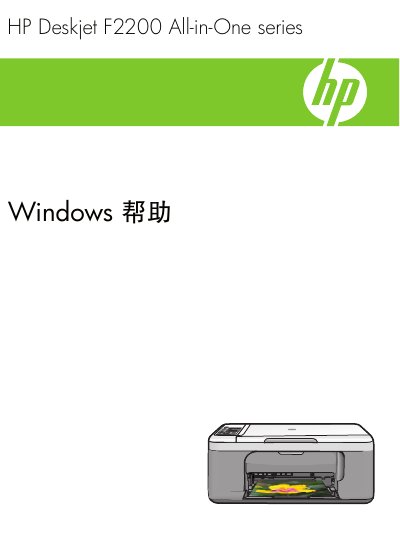
This manual provides step‑by‑step instructions for installing and using the HP Deskjet F2200 All‑in‑One printer on Windows systems. It covers control‑panel functions, connection options, paper loading, and software setup.
Additional sections describe printing, copying, and scanning operations, routine maintenance such as cleaning the glass plate and cartridge replacement, and troubleshooting common issues like paper jams and print quality problems. This manual is written in Chinese.
| Paper tray capacity | up to 80 sheets of 75 gsm paper |
|---|
Set the HP All-in-One as the default printer in Windows printer settings.
The paper tray can hold up to 80 sheets of 75 gsm paper.