
This guide provides basic information about the HP LaserJet 9040mfp and HP LaserJet 9050mfp multifunction printers (MFPs), including overview, features and benefits, parts and accessories, MFP external views, useful software that adds flexibility, software features, and drivers.
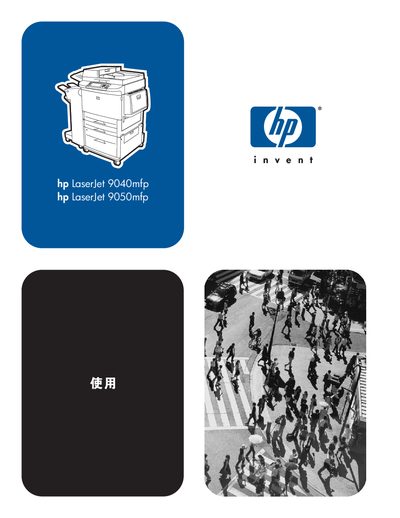
This manual covers the HP LaserJet 9040mfp and 9050mfp multifunction printers, describing their features, accessories, and software options. It explains how to install drivers, configure network settings, and use the built‑in web server and HP Toolbox.
Key sections include detailed instructions for loading paper trays, printing, copying, faxing, emailing, performing routine maintenance, and troubleshooting common problems. Appendices provide full specifications, control‑panel menu listings, memory‑upgrade guidance, and environmental compliance information. This manual is written in Chinese.
| Print speed (9050mfp) | 50 ppm |
|---|---|
| Processor | 533 MHz |
| Monthly duty cycle | 300,000 pages |
| Paper tray 1 capacity | 100 sheets or 10 envelopes |
| Paper tray 2/3 capacity | 500 sheets each |
| Paper tray 4 capacity | 2,000 sheets |
The HP LaserJet 9050mfp prints at 50 pages per minute.
Paper tray 4 can hold up to 2,000 sheets of standard media.
Yes, envelopes can be printed from paper tray 1, which holds up to 10 envelopes.
The device is equipped with a 533 MHz microprocessor.