
This manual describes how to use the Brother MFC-440CN MFC-665CW
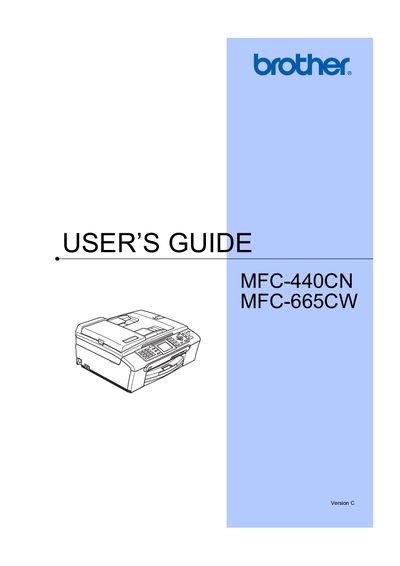
This manual provides step‑by‑step instructions for installing, configuring, and using the Brother MFC‑440CN and MFC‑665CW all‑in‑one printers. It covers general information, loading paper and media, power‑save settings, security features such as TX Lock and memory security, and detailed fax operations including colour fax and advanced settings.
Additional sections describe copy functions, direct photo printing from memory cards, PictBridge camera printing, software and network features, safety and legal notices, troubleshooting, routine maintenance, and wireless network setup. The guide also includes appendices with safety instructions and a quick‑setup reference.
Brother advises that the product may not function correctly and does not offer warranty when used on public telecommunication lines in another country.
The manual lists colour fax transmission as a supported feature.
Select the Power Save mode option in the General setup section to put the machine into low‑power operation and later bring it out of Power Save mode.