
This is a user manual that introduces the operation methods of Brother MFC-440CN and MFC-665CW multi-function printers.
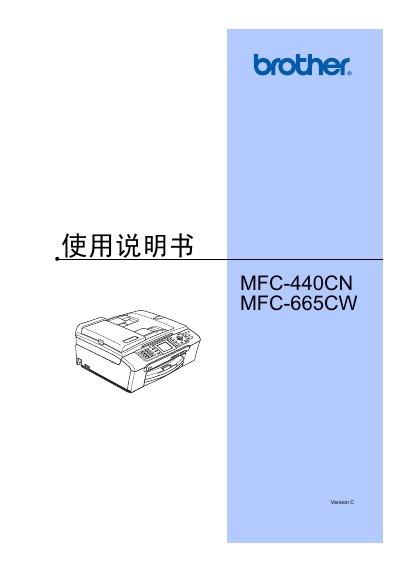
This manual covers the Brother MFC-440CN and MFC-665CW all‑in‑one inkjet printers. It explains the hardware layout, LCD display, operation panel, and how to load paper, envelopes, and photo media.
Key sections include basic printing, copying, scanning, fax functions, phone service, network (LAN) setup, PictBridge photo printing, and detailed troubleshooting and routine maintenance procedures. This manual is written in Chinese.
| Memory capacity | 32 MB |
|---|---|
| ADF capacity | Up to 10 pages |
| Supported paper weight | 80 g/m² (20 lb) |
| LCD size (MFC-440CN) | 50.8 mm (2.0 in) |
Refer to the maintenance section on page 127 titled “更换墨盒”.
Use the “发送锁定” setting and change its password as described on page 26.
Connect the camera via a USB cable to the PictBridge port, turn the camera off then on, and select the print option on the camera.