
This is a quick installation guide for MFC-440CN printer, which introduces the printer's components and installation steps, including removing protective parts, loading paper, connecting the phone line, connecting the power line, installing ink cartridges, printing quality check, setting the LCD display contrast, setting the date and time, setting the machine ID, setting the audio or pulse dialing mode, and selecting the receiving mode.
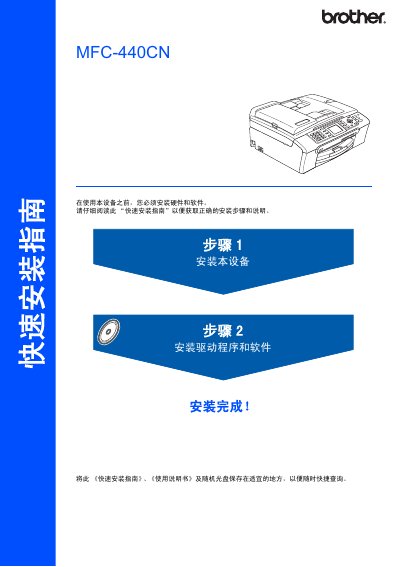
The manual walks you through the hardware setup, including connecting the USB 2.0 and Ethernet interfaces, and installing the required software drivers for Windows and Mac OS X. It also covers safety warnings and proper handling of consumables.
Additional sections explain how to configure the device with BRAdmin tools, replace ink cartridges, and reference trademark and copyright information included at the end of the document. This manual is written in Chinese.
| Maximum USB 2.0 cable length | 2 m (6 ft) |
|---|---|
| Ethernet interface | 10BASE‑T or 100BASE‑TX, straight‑through Category 5 (or higher) cable |
| Supported Windows versions | Windows 98/98SE/Me/2000/XP (including x64) |
| Supported Mac OS X versions | 10.2.4 or later |
The USB 2.0 cable must not exceed 2 meters (6 feet).