
This is a user's guide for Brother Laser Printer HL-5000 series, which mainly explains the printer's setup and installation, as well as the precautions for use and maintenance.
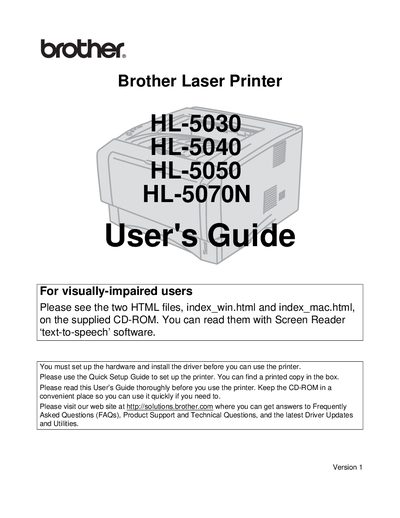
This User Manual explains how to install, configure, and operate the Brother HL‑5000 series laser printers. It includes safety warnings, hardware setup, driver installation, and basic printing procedures. The guide also covers paper handling, media specifications, routine maintenance, troubleshooting common problems, and technical specifications such as laser class and radiation power.
| Maximum radiation power | 5 mW |
|---|---|
| Laser wavelength | 760‑810 nm |
| Laser class | Class IIIb (Class 1 laser product) |
| Paper size (Letter) | 8.5 × 11 in. |
Use water or neutral detergents; do not use volatile liquids, thinner, benzene, or ammonia‑containing cleaners, and always turn off and unplug the printer before cleaning.
Turn off the power switch, unplug the printer from the AC outlet, and avoid touching hot or high‑voltage parts inside the printer.