
Key facts
- Brand
- Philips
- Model
- SHD8600
- Category
- Other Electronics
- Industry
- Electronics
- Documents
- 2
- Languages
- EN · ZH
- Last added
- 2026-11-11
Start here
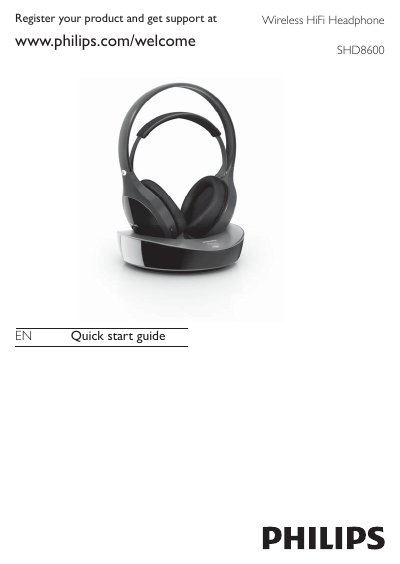
Philips SHD8600 Wireless HiFi Headphone Quick Start Guide
This document is the English Quick Start Guide for the Philips SHD8600 Wireless HiFi Headphones. It details the contents of the box, initial setup steps including charging the NiMH batteries, and how to power on the headphones and transmitter. It also explains the LED status indicators for charging and battery levels.
Read onlinePhilips SHD8600 specifications
| Frequency response | 20 – 20 000 Hz |
|---|---|
| Driver type | Neodymium magnet |
| Sensitivity | >86 dB |
| Impedance | 40 Ω |
| Battery life (playtime) | ≈12 hours |
| Charging voltage / current | 6 V / 550 mA DC |
| Weight | 0.23 kg |
| Wireless frequency | 2.4 GHz |
| Modulation | GFSK |
| LED indicator | Yes |
| Low‑battery indicator | Yes |
All Philips SHD8600 documents by type
The shortest path to a working setup, usually only a few pages.
Day-to-day operation, settings and troubleshooting. Start here if the product is already set up.
Questions answered in these manuals
How long should the batteries be charged before first use?
Charge the supplied batteries for at least 4 hours before using the headphones for the first time.
From: Philips SHD8600 Wireless HiFi Headphone Quick Start Guide
What does a fast blinking green LED on the transmitter indicate?
A fast blinking green LED on the transmitter indicates that the headphones are charging and are more than 70% full.
From: Philips SHD8600 Wireless HiFi Headphone Quick Start Guide
How long does the battery last on a single charge?
The headphones provide about 12 hours of operation per charge.
How can I tell when the battery is low?
A low‑battery indicator light turns on when the battery level is low.