
Key facts
- Brand
- Philips
- Model
- MCD139
- Category
- Other
- Industry
- Electronics
- Documents
- 3
- Languages
- ZH · EN
- Last added
- 2011-10-04
Start here
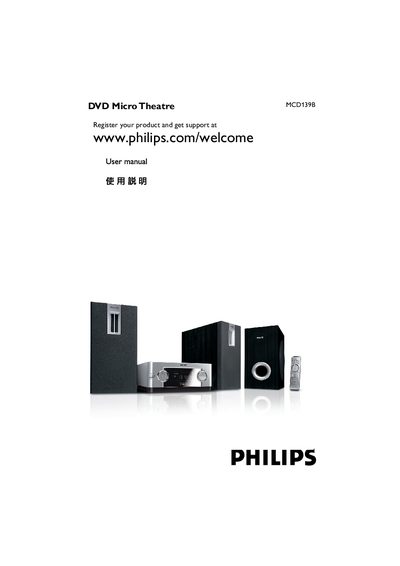
Philips MCD139B Quick Start Guide
The guide provides step‑by‑step instructions for connecting the DVD player to speakers, a TV, an antenna and the power source, as well as using the remote control and included cables. It also lists the items that should be in the box and how to prepare the device for first use.\n\nAdditional sections cover configuring the clock, enabling or disabling progressive scan, and basic playback functions such as opening the disc tray, starting playback, and stopping playback. This manual is written in Chinese.
Read onlinePhilips MCD139 specifications
| Remote battery | CR2025 |
|---|---|
| Video cable | Composite video (yellow) |
| Power supply | AC power cord |
All Philips MCD139 documents by type
The shortest path to a working setup, usually only a few pages.
Day-to-day operation, settings and troubleshooting. Start here if the product is already set up.
Questions answered in these manuals
How do I change the voltage setting for different regional power supplies?
Use the voltage selector switch on the back of the unit; set it to 110‑127 V if your local supply is not 220 V.
What accessories are included with the MCD139?
The package contains a remote control with a CR2025 battery, two speakers, one sub‑woofer, an AC power cord, a composite video cable, an FM antenna, and the user manual.