
This document provides information on the MCD139 DVD Micro Theatre 2 product, including precautions for use, copyright protection technology, and compatibility with high-definition televisions.
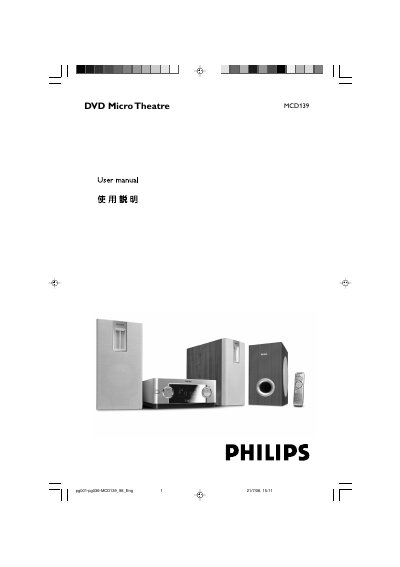
This manual explains how to install, connect, and use the Philips MCD139 DVD Micro Theatre, a compact 2.1‑channel DVD system designed for home entertainment. It includes safety warnings, environmental information, and details on the included accessories.
Key sections cover speaker placement, video and audio connections, progressive‑scan setup, language and subtitle settings, parental controls, timer functions, technical specifications, and a comprehensive troubleshooting guide.
| Power supply voltage | 220 V (default), selectable to 110‑127 V |
|---|---|
| Audio system | 2.1‑channel analog amplifier |
Use the voltage selector switch on the back of the unit; set it to 110‑127 V if your local supply is not 220 V.
The package contains a remote control with a CR2025 battery, two speakers, one sub‑woofer, an AC power cord, a composite video cable, an FM antenna, and the user manual.
Check that the AC power cord is properly connected, press the STANDBY ON B button on the unit or remote, and ensure the power selector switch is set to the correct voltage.