
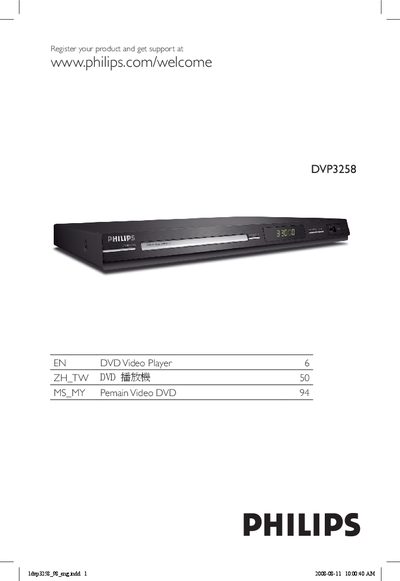
The Philips DVP3258 DVD Player User Manual provides detailed information on installing, connecting, and operating the DVD player. It includes safety warnings, recommended placement, and a step‑by‑step guide for connecting to a TV, audio system, and USB devices.
The manual also covers playback features such as region codes, progressive‑scan settings, USB file support, and troubleshooting tips. A full specifications table and glossary of terms are included for quick reference.
| TV Standard | PAL/50 Hz, NTSC/60 Hz |
|---|---|
| Number of Lines | 625 (PAL) / 525 (NTSC) |
| Video DAC | 1.5 bit, 108 MHz |
| Audio Format | Digital MPEG/AC‑3/compressed PCM, 16‑24‑32 bits |
| Power Consumption | < 10 W (operating), < 1 W (standby) |
| Dimensions (W × H × D) | 60 mm × 187 mm × 809 mm |
| Weight | Approximately 1.8 kg |
It can be slow when the USB device contains many files (over 500) or large files (over 1 MB).
The player supports only FAT16 and FAT32 file systems; NTFS is not supported.
Pictures can be rotated only if the image file contains EXIF information; otherwise rotation is not possible.