
This manual is the user manual of DVD player, introducing the features and characteristics, basic operation and connection methods of the product.
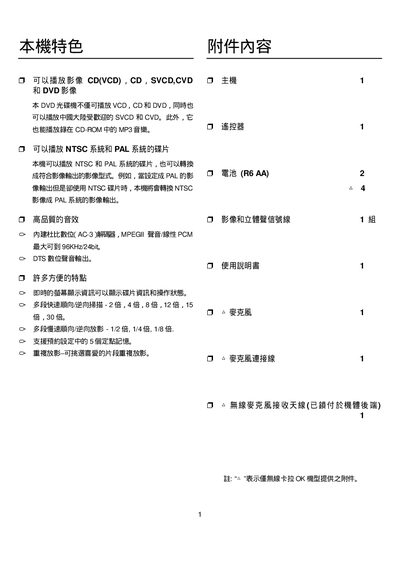
This user manual explains how to operate the Philips DVP3258 DVD player, including power‑on standby, remote‑control functions such as PLAY/PAUSE, STOP, and disc‑tray handling. It also describes the on‑screen display panel, IR sensor operation, and how to navigate menus.
Connection options are covered, with details on the DVD/VCD/SVCD disc tray, USB audio playback, composite (CVBS) and component (YPbPr) video outputs, and audio output configurations. Technical specifications such as supported video formats, audio codecs, and power requirements are listed in the specification section. This manual is written in Chinese.
| Supported video formats | PAL/50Hz (NTSC/60Hz) |
|---|---|
| Supported audio formats | MPEG‑1, MPEG‑2, MP3, AC‑3 |
| Audio output | 2‑channel front R/L |
| Power supply | 110V – 240V, 50/60Hz |
Press the PLAY/PAUSE button on the remote control.
Insert the USB flash drive into the USB port; the player will recognize MP3/WMA files.