
Philips DC5070 Docking System User Manual

The Philips DC5070 Docking System user manual in Spanish covers setup, iPod/iPhone/iPad and USB playback, FM radio, sound settings, and troubleshooting.
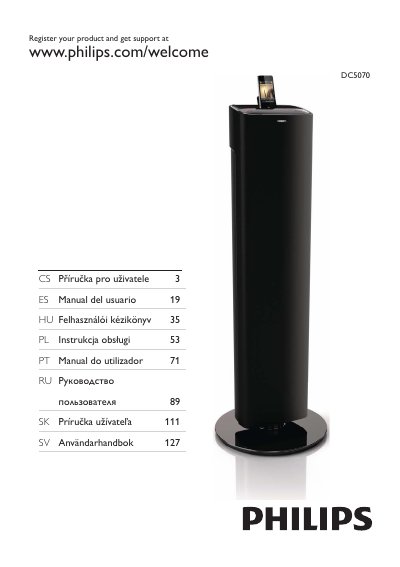

Philips DC5070 Docking System User Manual - cover page
Brand
Philips
Category
Player
Document type
User Manual
Language
Spanish
Pages
19
File format
PDF
File size
688 KB
Published
11 November, 2026
Updated
11 November, 2026
MD5 checksum
1E913320FEB6B8D0F964BE282BB1B208

About this manual

This Philips DC5070 Docking System lets users play audio from iPod/iPhone/iPad, USB devices, and other external devices, and listen to FM radio stations. It includes sound effects such as Dynamic Bass Boost (DBB) and Digital Sound Control (DSC).

The Spanish user manual provides safety instructions, box contents, unit and remote control descriptions, initial setup, playback options, radio programming, timer settings, specifications, and troubleshooting steps. This manual is written in Spanish.

What's inside

  • Safety and important notices
  • Box contents and unit description
  • Connections and initial setup
  • iPod/iPhone/iPad and USB playback
  • Playback options and FM radio
  • Sound settings and timers
  • Product specifications and USB playback info
  • Troubleshooting

Frequently asked questions

Where is the identification label located?

The identification label is located on the back of the unit.

What devices can play audio through the docking system?

The unit supports audio from iPod/iPhone/iPad, USB devices, and other external devices.

What sound effects are available on the unit?

The unit offers Dynamic Bass Boost (DBB) and Digital Sound Control (DSC).

Where can the product be registered for support?

Register the product at www.philips.com/welcome.

Download PDF (688 KB)

More Philips Manuals


View all Philips manuals →