
Key facts
- Brand
- Philips
- Model
- 222E1
- Category
- Monitor
- Industry
- Electronics
- Documents
- 2
- Languages
- ZH · EN
- Last added
- 2011-11-03
Start here
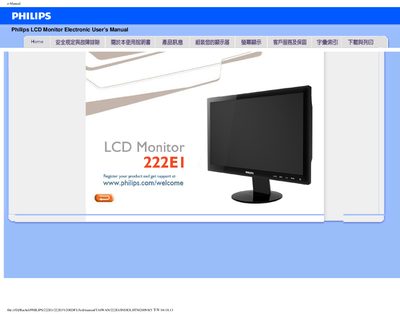
Philips 222E1 LCD Monitor User Manual
This manual provides safety guidelines, troubleshooting steps, and operating instructions for the Philips 222E1 LCD monitor. It covers proper handling, environmental limits, and how to connect and use the monitor safely.
The document also includes a FAQ section that answers common questions about video modes, resolution adjustment, refresh rate, cleaning, and power issues, plus instructions for downloading drivers and printing the manual. This manual is written in Chinese.
Philips 222E1 specifications
| Operating temperature | 0‑40 °C |
|---|---|
| Relative humidity | 20‑80 % RH |
| Recommended resolution | 1920 × 1080 @ 60 Hz |
| Refresh rate | 60 Hz |
All Philips 222E1 documents by type
Day-to-day operation, settings and troubleshooting. Start here if the product is already set up.
Questions answered in these manuals
What should I do if the monitor does not turn on?
Confirm the power cable is properly connected, then press a key on the keyboard or mouse to wake the monitor.
How can I adjust the resolution?
Open the Display Properties in the Control Panel and select the desired resolution.