
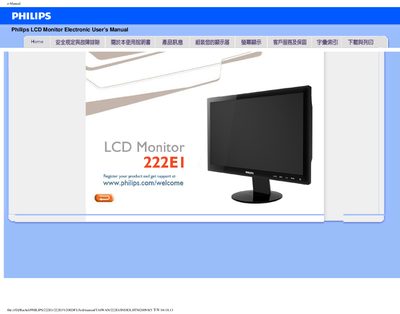
The Philips 222E1 is a 21.5"W LCD monitor. This electronic user manual provides essential guidance on the safe operation, maintenance, and setup of the device to ensure optimal performance and longevity.
Included in the documentation are detailed safety precautions to prevent electrical shock, a comprehensive FAQ section for common setup issues, and technical explanations regarding LCD screen technology. This manual is written in Chinese.
| Recommended Video Mode | 1920 x 1080 @ 60Hz |
|---|---|
| Operating Temperature | 0 - 40°C (32 - 95°F) |
| Operating Humidity | 20-80% RH |
| Screen Hardness | Equivalent to 2H pencil |
Set the computer's display settings to the recommended mode of 1920 x 1080 at 60Hz.
Press the "MENU" button and select "Reset" to restore all original factory default values.
Yes, it can be mounted using the four standard VESA wall mount holes on the back cover.