
Key facts
- Brand
- Philips
- Model
- 245C7 275C7 325C7
- Category
- Monitor
- Industry
- Electronics
- Documents
- 2
- Languages
- ZH · BG
- Last added
- 2026-11-20
Start here
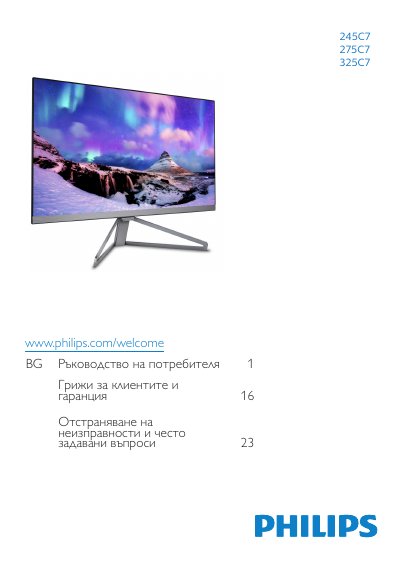
Philips 245C7 275C7 325C7 Monitor User Manual
This user manual is for the Philips 245C7, 275C7 and 325C7 monitors. It covers safety and maintenance, disposal, installation, monitor operation, image optimization, technical specifications, power management, customer care and warranty, and troubleshooting.
The manual describes monitor connections, front-panel controls, on-screen display operation, SmartImage choices, supported input connections, and specified operating conditions.
Philips 245C7 275C7 325C7 specifications
| Native resolution | 1920×1080@60Hz |
|---|---|
| Operating temperature | 0-40°C / 32-104°F |
| Operating humidity | 20-80% RH |
| Tilt angle | 20° (245C7/275C7), 10° (325C7) |
All Philips 245C7 275C7 325C7 documents by type
Day-to-day operation, settings and troubleshooting. Start here if the product is already set up.
Questions answered in these manuals
What is the best resolution for this monitor?
The monitor performs best at its native resolution of 1920×1080@60Hz.
How long should I wait before reconnecting the power cord?
You must wait 6 seconds before reconnecting the power cord or DC power cord for normal operation.
What operating temperature range is specified?
The specified operating temperature range is 0-40°C (32-104°F).
When does the Philips warranty apply?
It applies when the product is used for its intended purpose, following the operating instructions, and with the original invoice or receipt showing purchase date, supplier name, and model and serial number.