
This file is a safety guide and troubleshooting manual for Philips 190S8 monitor.
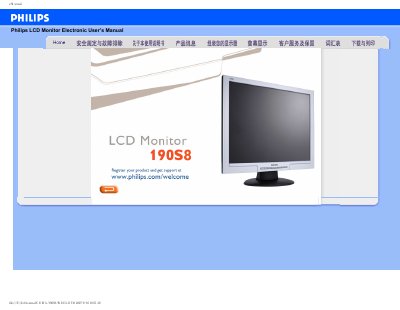
This electronic user manual is for the Philips 190S8 LCD monitor. It contains safety precautions, troubleshooting information, and answers to frequently asked questions about the display.
The manual covers assembling the monitor, screen adjustment, compatibility with personal computers and Macintosh systems, USB features, LCD screen technology, color settings, VESA wall mounting, and product regulations. This manual is written in Chinese.
| Recommended resolution | 1280x1024 pixels (19") |
|---|---|
| Screen hardness | Equivalent to 2H pencil hardness |
| Color temperature settings | 5000K, 6500K, 7500K, 8200K, 9300K, 11500K |
| VESA mounting holes | 4 standard VESA mounting holes |
Yes, the back panel has four standard VESA mounting holes for most VESA-standard arms or accessories.
No. Interlaced signals cause odd and even horizontal scan lines to display at the same time, distorting the image.
Check that the AC power cord is connected between the monitor and the AC outlet, then press a key on the keyboard or mouse to wake the PC.