
This user manual is an operation manual for network cameras WV-NS950/CH, WV-NS954CH WV-NW960/CH, WV-NW964CH. It introduces how to operate this product via computer and how to configure settings etc.
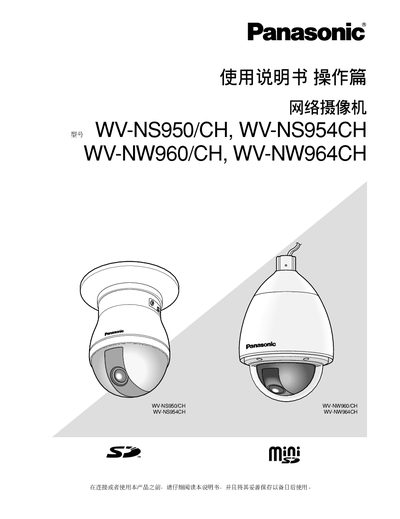
This manual provides step‑by‑step instructions for installing and configuring Panasonic WV‑NS950/CH, WV‑NS954CH, WV‑NW960/CH, and WV‑NW964CH network cameras. It includes sections on hardware setup, network configuration, image and audio settings, SD‑card handling, and safety precautions.
Key topics cover how to connect the camera to a LAN, adjust streaming formats (MPEG‑4 or JPEG), use the built‑in 360° panorama function, manage user accounts, and perform routine maintenance and troubleshooting.
| Supported SD Card Type | Mini SD |
|---|---|
| Maximum Simultaneous Users | 8 |
| JPEG Streaming Frame Rate (VGA) | 5 fps |
| JPEG Streaming Frame Rate (QVGA) | 10 fps |
| MPEG‑4 Maximum Frame Rate | 15 fps |
| Default HTTP Port | 80 |
| Default Login | admin / 12345 |
Up to eight users can connect to the camera at the same time.
The default username is admin and the default password is 12345.
Enter the camera’s IP address followed by a colon and the desired port number, e.g., http://192.168.0.11:8080.