
These operating instructions are about network camera operation, describing the features and characteristics of the WV-NS954 and WV-NW964 models.
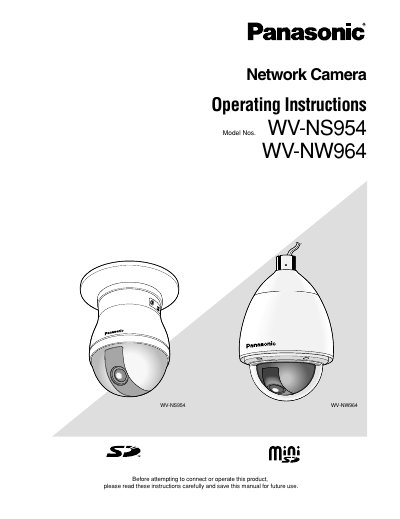
This manual provides operating instructions for the Panasonic WV-NS954 (indoor) and WV-NW964 (outdoor) network cameras. It details how to monitor images on a PC using web browsers and viewer software like Network Camera View3. The guide explains accessing the camera via IP address, handling user authentication with default credentials, and managing image display settings such as JPEG or MPEG-4 formats.
| Default User Name | admin |
|---|---|
| Default Password | 12345 |
The viewer software 'Network camera View3' must be installed on the PC.
The default user name is admin.
The default password is 12345.