
This manual provides operating instructions, installation guides, and technical specifications for the Panasonic WV-NS202ACH network camera.
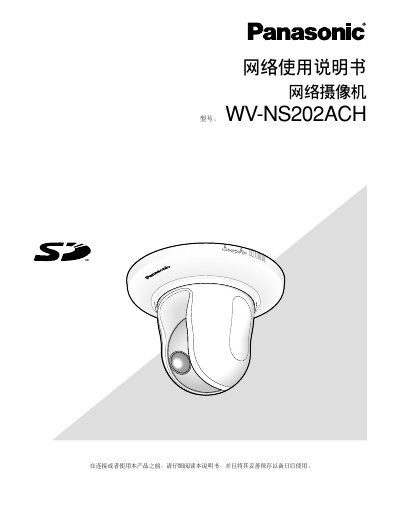
The document is a user manual for the Panasonic WV-NS202ACH network camera. It covers essential topics such as initial setup, viewing images on a web browser, configuring settings via menus, and connecting auxiliary devices. The guide includes detailed instructions on using features like real-time monitoring, multi-screen display, video recording to SD cards, and various PTZ (Pan-Tilt-Zoom) functions including auto-tracking and 360-degree mapping. This manual is written in Japanese.
| Simultaneous Users | Up to 8 users |
|---|---|
| Real-time Refresh Rate (JPEG VGA) | 5 fps |
| Real-time Refresh Rate (MPEG-4 ON) | Up to 15 fps with VMD |
| Default Username | admin |
| Default Password | 12345 |
The default username is 'admin' and the password is '12345'.
Up to 8 users can access the camera at the same time, though this may vary based on bit rate settings.
The refresh rate is 5 fps when viewing JPEG VGA images.