
Key facts
Start here
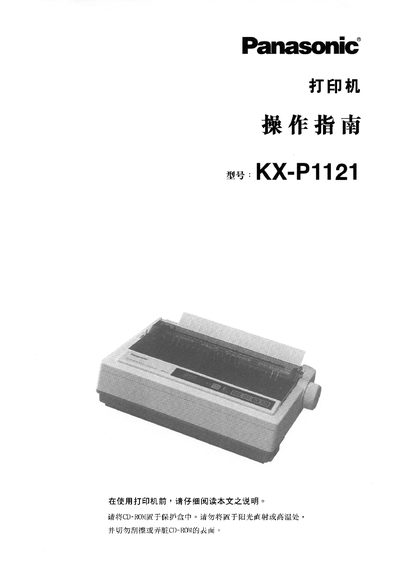
Panasonic KX-P1121 Printer User Manual
This manual covers everything needed to install and use the Panasonic KX-P1121 24‑pin dot‑matrix printer. It includes safety warnings, power requirements, connection procedures, initial setup, and configuration for Epson and IBM emulation modes.
Later sections describe normal operation, troubleshooting steps, regular maintenance, technical specifications, and contact information for Panasonic service centers. This manual is written in Chinese.
Panasonic KX-P1121 specifications
| Print head pins | 24 pins |
|---|---|
| Print speed | 192 characters per second (12 characters per inch) |
| Supported emulation modes | Epson LQ‑830, IBM Proprinter X24E |
All Panasonic KX-P1121 documents by type
Day-to-day operation, settings and troubleshooting. Start here if the product is already set up.
Questions answered in these manuals
How do I connect the Panasonic KX-P1121 printer to a computer?
Connect the printer to the computer using the interface cable as described in the installation section.
What safety warnings should I follow when using the KX-P1121 printer?
Avoid fire and moisture, do not attempt self‑repair, use the correct AC power source, and keep the power cord and connections dry.
What power voltage does the printer require?
The printer operates on 220‑240 V.
How do I install the roll knob?
Insert the roll knob into the hole on the right side of the printer and rotate it until it slides onto the shaft, then press it into place.