
Panasonic KX-P1121+ printer user manual, introduces printer parts name, installation, operation, maintenance and specifications
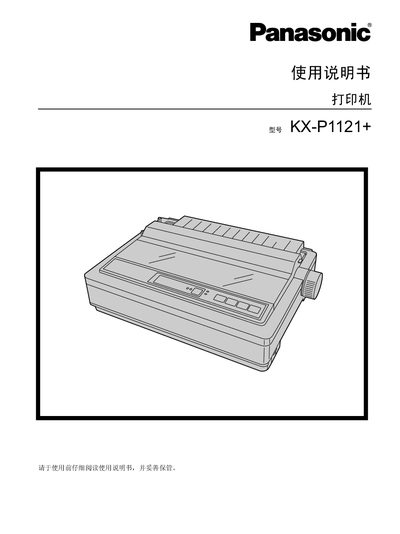
This manual covers everything needed to set up and use the Panasonic KX-P1121+ 24‑pin dot‑matrix printer, including safety information, hardware installation, software setup, and routine maintenance. It also lists the supported paper types, ribbon cartridge handling, and troubleshooting steps.
Detailed specifications such as power requirements, interface options, print speeds, and character fonts are provided, along with clear instructions for connecting the printer via USB or parallel ports and configuring the driver software. This manual is written in Chinese.
| Power requirement | 220‑240 V |
|---|---|
| Frequency | 50/60 Hz |
| Interface | USB 2.0 full speed, Centronics parallel (IEEE1284) |
| Print speed (Draft) | 192 cps (12 cpi) |
The printer operates on 220‑240 V.
Insert the roll knob into the hole on the right side of the printer and rotate it until it slides onto the shaft, then press it into place.
The printer provides a full‑speed USB 2.0 port and a Centronics parallel port compliant with IEEE1284.