
Key facts
Start here
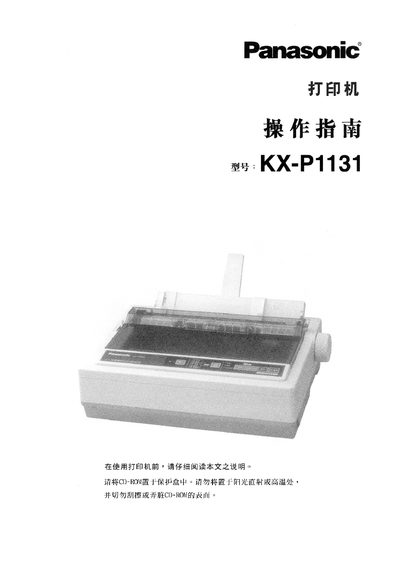
Panasonic KX-P1131 Printer User Manual
The Panasonic KX-P1131 is a high‑volume 24‑pin dot‑matrix printer intended for office and commercial use. This user manual explains how to set up the printer, connect it to a computer, operate the control panel, and perform routine maintenance.
Key sections cover safety precautions, pre‑use checks, hardware components, driver installation for various Windows versions, control‑panel functions, printing speed and mode selection, troubleshooting, and detailed technical specifications. Service contact information for regional support centers is also provided. This manual is written in Chinese.
Panasonic KX-P1131 specifications
| Power consumption (operating mode) | 3 W |
|---|---|
| Print speed (draft mode) | 240 characters per second |
| Print speed (letter quality) | 80 characters per second |
| Interfaces | USB 2.0, parallel, serial |
| Paper feed methods | Friction and tractor feed |
All Panasonic KX-P1131 documents by type
Day-to-day operation, settings and troubleshooting. Start here if the product is already set up.
Questions answered in these manuals
Where is the serial number located?
The serial number of the unit may be found on the label on the rear of the unit.
From: Panasonic KX-P1131 Impact Dot Matrix Printer Operating Instructions
What is the printer type and pin count?
The unit is a versatile, high quality 24-pin dot matrix printer.
From: Panasonic KX-P1131 Impact Dot Matrix Printer Operating Instructions
How can I reset the printer to factory settings?
Select the menu option “将所有当前设置复位为出厂设置” to restore all settings to the factory defaults.
Which interfaces are available for connecting the printer to a computer?
The printer supports USB 2.0, parallel, and serial connections.