
Key facts
Start here
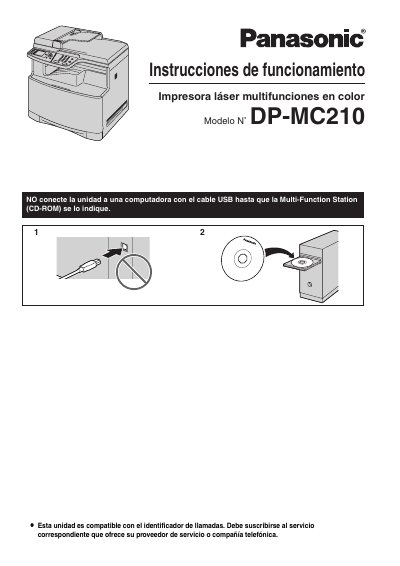
Panasonic DP-MC210 Color Laser Multifunction Printer User Manual
This document is the Spanish user manual for the Panasonic DP-MC210 color laser multifunction printer. It provides essential safety warnings, installation guidelines, and operational instructions for end users. The manual emphasizes proper handling of the device, including power connection, ventilation requirements, and precautions regarding the use of SD cards and fax transmission regulations. This manual is written in Spanish.
Read onlineAll Panasonic DP-MC210 documents by type
Day-to-day operation, settings and troubleshooting. Start here if the product is already set up.
Questions answered in these manuals
What language can be selected for the printer's display and reports?
The user can choose between Spanish or English, with English being the default configuration.
From: Panasonic DP-MC210 Color Laser Multifunction Printer User Manual
How long must the printer wait after moving from a cold area before turning it on?
You must wait approximately 30 minutes to allow the unit to adjust to the ambient temperature.
From: Panasonic DP-MC210 Color Laser Multifunction Printer User Manual
What should be done regarding the fuser unit while it is hot?
Do not touch the fuser unit while it is hot.
From: Panasonic DP-MC210 Color Laser Multi-Function Printer Operating Instructions
How long should the power remain on after printing to extend drum cartridge life?
Leave the power on for at least 30 minutes after printing.
From: Panasonic DP-MC210 Color Laser Multi-Function Printer Operating Instructions