
Key facts
Start here
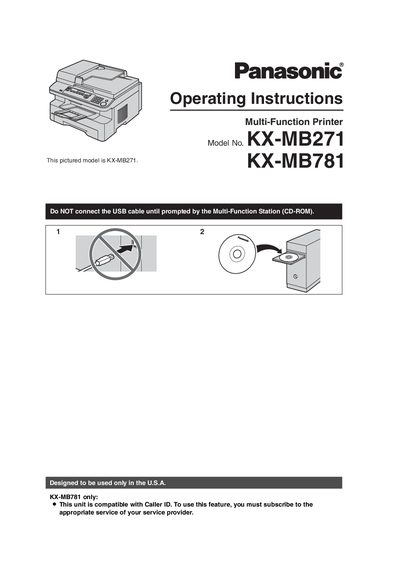
Panasonic KX-MB271 KX-MB781 Multi-Function Printer Operating Instructions
This user manual covers the Panasonic KX-MB271 and KX-MB781 Multi-Function Printers, which are designed to be used only in the U.S.A. It provides operating instructions for printing, scanning, copying, and fax functions.
Topics include installation, button descriptions, programmable features, error messages, paper jams, cleaning, and general information. Most figures in the manual are based on the KX-MB271 model.
Panasonic KX-MB781 specifications
| Starter toner cartridge yield | about 500 letter-sized pages with a 5 % image area |
|---|---|
| Replacement toner cartridge | KX-FAT92 |
| Replacement drum unit | KX-FAD93 |
| Optional handset unit | KX-FA103 |
| Usage region | U.S.A. only |
Source: Panasonic KX-MB271 KX-MB781 Multi-Function Printer Operating Instructions
All Panasonic KX-MB781 documents by type
Day-to-day operation, settings and troubleshooting. Start here if the product is already set up.
Questions answered in these manuals
Which printer models does this manual cover?
It covers the Panasonic KX-MB271 and KX-MB781 Multi-Function Printers.
From: Panasonic KX-MB271 KX-MB781 Multi-Function Printer Operating Instructions
Can the display language be changed?
Yes, you can select English or Spanish; the default setting is English.
From: Panasonic KX-MB271 KX-MB781 Multi-Function Printer Operating Instructions
Which models support fax and Caller ID?
Fax and Caller ID features are available on the KX-MB781 only.
From: Panasonic KX-MB271 KX-MB781 Multi-Function Printer Operating Instructions
When should the USB cable be connected?
Connect the USB cable only when the Multi-Function Station CD-ROM prompts you to do so.
From: Panasonic KX-MB271 KX-MB781 Multi-Function Printer Operating Instructions