
Key facts
- Brand
- Panasonic
- Model
- KX-MB788CN
- Category
- All-in-one printer
- Industry
- Computers
- Documents
- 3
- Languages
- ZH
- Last added
- 2012-03-17
Start here
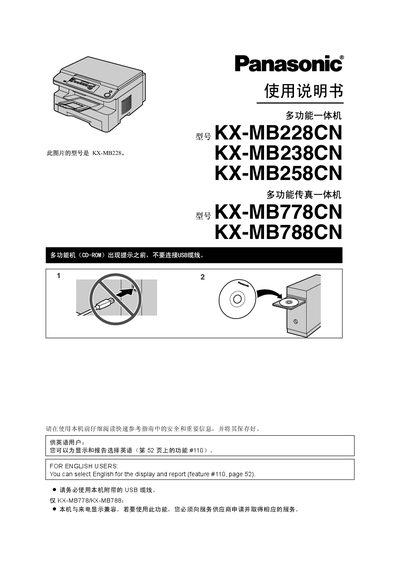
Panasonic KX-MB228CN KX-MB778CN KX-MB788CN Manual
This manual provides comprehensive instructions for the Panasonic KX‑MB multifunction fax machines. It includes safety warnings, unpacking, installation of accessories, and initial setup for all five model numbers.
The guide details how to operate the printer, scanner, copier, fax, and telephone functions, explains programmable features, and offers troubleshooting, paper‑handling tips, and maintenance procedures such as cleaning and cartridge replacement. This manual is written in Chinese.
Panasonic KX-MB788CN specifications
| Weight (machine only) | ≈ 13 kg |
|---|---|
| Standby power consumption | ≈ 6.5 W |
| Pre‑heat power consumption | ≈ 65 W |
| Copy power consumption | ≈ 320 W |
| Maximum power consumption | ≈ 950 W |
| Power supply | 220–240 V AC, 50/60 Hz, 4.5 A |
| Laser diode output | Maximum 5 mW |
| Print speed | ≈ 18 ppm |
| Print resolution | 600 × 600 dpi |
All Panasonic KX-MB788CN documents by type
Day-to-day operation, settings and troubleshooting. Start here if the product is already set up.
Questions answered in these manuals
How many pages can the trial ink cartridge print?
The trial cartridge (KX‑FAT94CN) can print about 2,000 A4 pages.
What paper sizes are supported for the record paper?
Supported sizes are A4 (210 mm × 297 mm), Letter (216 mm × 279 mm) and Legal (216 mm × 356 mm).
What is the printing speed of the KX-MB788CN?
The device prints at a speed of 18 pages per minute.
From: Panasonic KX-MB788CN Multifunction Fax Machine User Manual
How many pages can the fax memory store?
The fax memory can store up to 170 pages of received documents.
From: Panasonic KX-MB788CN Multifunction Fax Machine User Manual
How can I change the display language?
Select the desired language in the settings; English can be chosen via feature #110 on page 51.
How do I clear a paper jam in the record paper tray?
Open the tray, remove the jammed paper, re‑insert the paper correctly, and close the tray.