
Key facts
- Brand
- Panasonic
- Model
- KX-FLB753CN
- Category
- All-in-one printer
- Industry
- Computers
- Documents
- 3
- Languages
- ZH
- Last added
- 2012-03-13
Start here
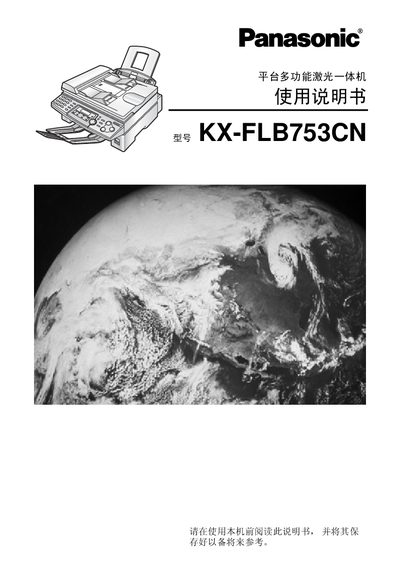
Panasonic KX-FLB753CN Multi-Function Laser All-in-One Guide
This guide begins with important safety instructions, warning users to keep the unit away from water, avoid using liquids for cleaning, and only use the specified power source. It also outlines proper installation steps, including grounding and placement considerations.
The manual then describes how to operate the printer, replace toner cartridges (models KX-FA76A and KX-FA78A), and use the various functions such as printing, copying, and scanning. Accessories and optional parts are listed, and a brief specifications section gives key performance data. This manual is written in Chinese.
All Panasonic KX-FLB753CN documents by type
Day-to-day operation, settings and troubleshooting. Start here if the product is already set up.
Questions answered in these manuals
Can I clean the device with liquid?
No, you must not use liquid or wet cloths to clean the device.
From: Panasonic KX-FLB753CN Multi-Function Laser All-in-One Guide
What power source should be used?
The device must be powered only with the specified power source indicated on the machine.
From: Panasonic KX-FLB753CN Multi-Function Laser All-in-One Guide
How do I replace the toner cartridge?
Open the toner compartment and replace the toner cartridge as indicated in the manual.
From: Panasonic KX-FLB753CN Multi-Function Laser All-in-One User Manual
Can the device be used near water sources?
No, the manual advises not to use the device in wet locations such as near baths or kitchens.
From: Panasonic KX-FLB753CN Multi-Function Laser All-in-One User Manual
What safety precautions should be taken when using the KX-FLB753CN?
Do not use liquid cleaners, keep the device away from water, and avoid placing heavy objects on it.
From: Panasonic platform multi-function laser all-in-oneKX-FLB753CN Manual