
This document is the user manual for Panasonic KX-MB238CN multifunction fax machine. This model supports Chinese and English display, and the default language is Chinese. The user manual provides instructions on how to replace the ink cartridge and drum unit, as well as precautions.
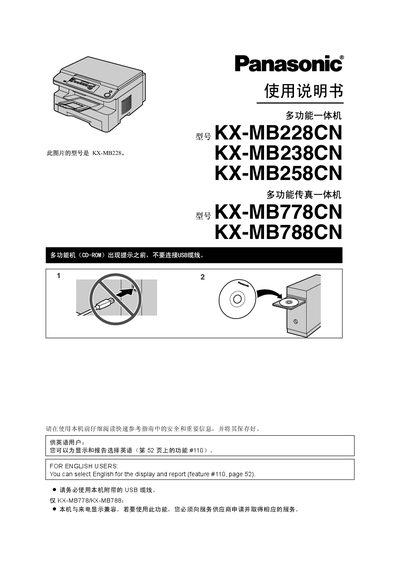
This manual provides comprehensive instructions for the Panasonic KX‑MB multifunction fax machines. It includes safety warnings, unpacking, installation of accessories, and initial setup for all five model numbers.
The guide details how to operate the printer, scanner, copier, fax, and telephone functions, explains programmable features, and offers troubleshooting, paper‑handling tips, and maintenance procedures such as cleaning and cartridge replacement. This manual is written in Chinese.
| Weight (machine only) | ≈ 13 kg |
|---|---|
| Standby power consumption | ≈ 6.5 W |
| Pre‑heat power consumption | ≈ 65 W |
| Copy power consumption | ≈ 320 W |
| Maximum power consumption | ≈ 950 W |
| Power supply | 220–240 V AC, 50/60 Hz, 4.5 A |
| Laser diode output | Maximum 5 mW |
| Print speed | ≈ 18 ppm |
| Print resolution | 600 × 600 dpi |
The trial cartridge (KX‑FAT94CN) can print about 2,000 A4 pages.
Supported sizes are A4 (210 mm × 297 mm), Letter (216 mm × 279 mm) and Legal (216 mm × 356 mm).
Press the Start key, pull out the tray until it clicks, remove the jammed paper, then re‑insert the tray fully.
The device uses about 6.5 W in standby.