
Key facts
- Brand
- Panasonic
- Model
- KX-FLM558CN
- Documents
- 3
- Languages
- ZH · JA
- Last added
- 2011-09-23
Start here
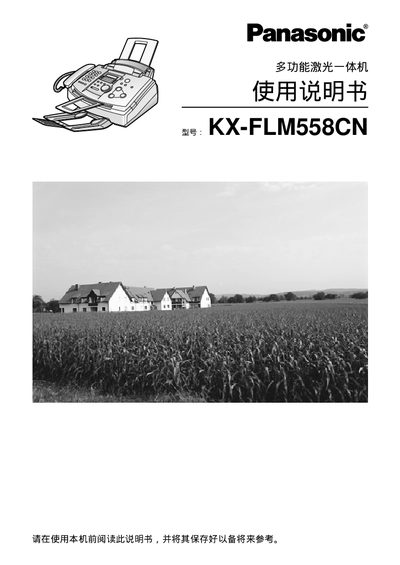
Panasonic multi-function laser all-in-oneKX-FLM558CN Manual(1)
This manual provides complete instructions for installing, operating, and maintaining the Panasonic KX‑FLM558CN multi‑function laser all‑in‑one device. It covers safety precautions, paper handling, fax, copy, and scan functions, as well as troubleshooting and specifications.
The guide also includes details on replacing consumables such as toner cartridges and drums, connecting the unit to telephone lines and computers, and configuring advanced features like scheduled fax sending and image quality settings. This manual is written in Chinese.
Panasonic KX-FLM558CN specifications
| Print speed | ≈ 10 ppm |
|---|---|
| Maximum paper capacity | 150 sheets |
| Supported paper sizes | A4, Letter, Legal |
| Dimensions (H × W × D) | 190 mm × 417 mm × 345 mm |
| Weight | ≈ 6.5 kg |
| Laser output power | Maximum 5 mW |
| Scanning resolution (horizontal) | 8 pels/mm |
| Scanning resolution (vertical) | 3.85 lines/mm |
Source: Panasonic multi-function laser all-in-oneKX-FLM558CN Manual(1)
All Panasonic KX-FLM558CN documents by type
Day-to-day operation, settings and troubleshooting. Start here if the product is already set up.
Disassembly, diagnostics and part numbers, for repair.
Questions answered in these manuals
How many sheets of paper can the machine hold?
The KX‑FLM558CN can hold up to 150 sheets of paper in its main tray.
From: Panasonic multi-function laser all-in-oneKX-FLM558CN Manual(1)
What safety steps should be taken before cleaning the machine?
Before cleaning, unplug the power cord, avoid using liquids or spray cleaners, and use a damp cloth only.
From: Panasonic multi-function laser all-in-oneKX-FLM558CN Manual(1)
What safety step must be taken before repairing the KX-FLM558CN?
Before any repair work, the AC power cord must be unplugged to prevent electric shock.
From: Panasonic KX-FLM558CN Multi-Function Laser All-in-One Service Manual
What are the laser diode specifications?
The laser diode provides a maximum output of 5 mW with a wavelength range of 760 nm to 800 nm.
From: Panasonic KX-FLM558CN Multi-Function Laser All-in-One Service Manual
How many pages can the standard ink cartridge print?
The supplied ink cartridge prints about 800 A4 pages at 5 % image coverage.
From: Panasonic multi-function laser all-in-oneKX-FLM558CN Manual
What paper capacity does the KX‑FLM558CN support?
The machine can hold up to 150 sheets of 60‑75 g/m² paper or 120 sheets of 90 g/m² paper.
From: Panasonic multi-function laser all-in-oneKX-FLM558CN Manual