
Key facts
- Brand
- Panasonic
- Model
- KX-FLB881
- Category
- All-in-one printer
- Industry
- Computers
- Documents
- 2
- Languages
- EN
- Last added
- 2012-08-07
Start here
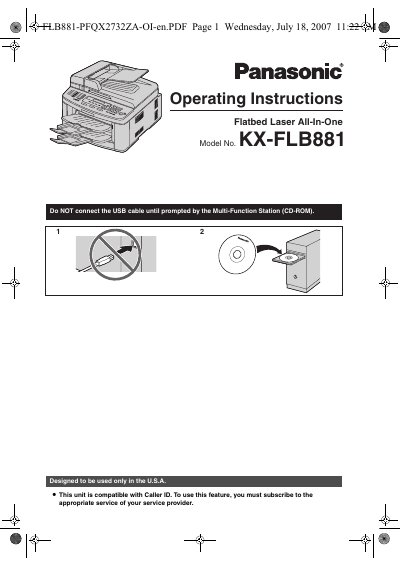
Panasonic KX-FLB881 Flatbed Laser All-In-One Operating Instructions
This document provides operating instructions for the Panasonic KX-FLB881 Flatbed Laser All-In-One. It details the installation process, including connections and initial programming, as well as the use of supplied accessories like the starter toner cartridge and drum unit. The manual is designed for users in the U.S.A. and supports English or Spanish language settings.
Read onlinePanasonic KX-FLB881 specifications
| Print Yield (Starter Toner) | Approx. 800 letter-sized pages |
|---|---|
| Print Yield (Replacement Toner KX-FA87) | Approx. 2,500 sheets of letter size |
| Print Yield (Replacement Toner KX-FA85) | Approx. 5,000 sheets of letter size |
Source: Panasonic KX-FLB881 Flatbed Laser All-In-One Operating Instructions
All Panasonic KX-FLB881 documents by type
Day-to-day operation, settings and troubleshooting. Start here if the product is already set up.
Questions answered in these manuals
What languages are supported by the unit?
You can select English or Spanish for the language of the display and reports.
From: Panasonic KX-FLB881 Flatbed Laser All-In-One Operating Instructions
What is the model number of the replacement drum unit?
The replacement drum unit model number is KX-FA86.
From: Panasonic KX-FLB881 Flatbed Laser All-In-One Operating Instructions
What is the model number of this Panasonic device?
The model number is KX-FLB881.
From: Panasonic KX-FLB881 Flatbed Laser All-In-One User Manual
What is the default language setting for the display and reports?
The default setting is English.
From: Panasonic KX-FLB881 Flatbed Laser All-In-One User Manual