
HP Officejet 6300 All-in-One series User's Manual. This manual introduces the features and characteristics of the product, including installation, use, maintenance, and other information.
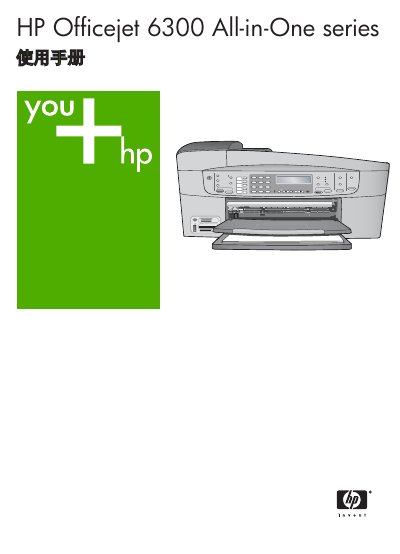
This manual covers the HP Officejet 6300 All-in-One printer, an integrated device that prints, copies, scans, and faxes. It explains hardware features, control panel functions, and menu navigation.
Key sections include initial setup, printing from a computer, fax configuration, copy and scan procedures, paper handling, troubleshooting, and technical specifications such as print speed, scan resolution, and supported media. This manual is written in Chinese.
| Print speed (black & white) | 30 ppm |
|---|---|
| Print speed (color) | 24 ppm |
| Paper tray capacity | 100 sheets (plain paper) |
It can print up to 30 black‑and‑white pages per minute.
The paper tray can hold up to 100 sheets of plain paper.