
HP Deskjet 3840 Series printer user manual covering setup, printing, maintenance, and troubleshooting.
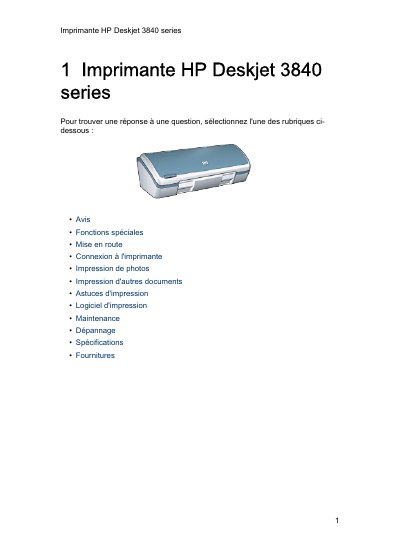
The HP Deskjet 3840 series is a compact inkjet printer offering photo-quality printing, six-ink printing with an optional photo cartridge, borderless printing for 10 x 15 cm photos, a cancel button, and an on-screen ink level indicator.
This French user manual describes printer buttons and lights, paper trays, ink cartridges, ink-saving mode, USB connection, photo and document printing, software, maintenance, troubleshooting, specifications, supplies, and recycling. This manual is written in French.
| Interface | USB |
|---|---|
| Borderless photo size | 10 x 15 cm |
| Ink colors | 6 |
| Design | Compact |
Press the cancel button to stop the current print job.
Return them to HP using the HP Planet Partners program at www.hp.com/recycle.
It shows the printer status, such as printing, ready, open cover, or error.