
This document describes the features of the HP Deskjet 3840 series printer. The printer has excellent photo quality, a six-color ink upgradeable printing function, borderless printing function, easy installation and operation and other features.
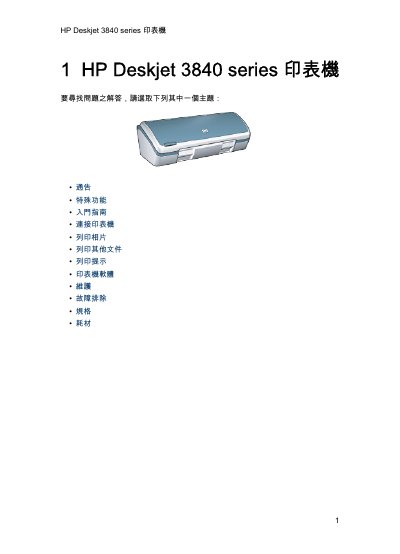
The HP Deskjet 3840 series is a lightweight inkjet printer designed to deliver excellent photo quality using black tri-color ink. It features six color ink options for enhanced printing and includes a cancel button to save paper and ink by quickly cancelling print jobs. The printer also has an ink level indicator on the front panel to monitor supply levels. This manual is written in Chinese.
The printer includes a feature called 'no-cost printing' that allows you to print 4x6 inch photos onto paper.
You must always use the power button to turn the printer on and off to avoid damage.
A blinking power light indicates that the printer cover is open or that the printer may have a problem.