
The HP StorageWorks NAS 8000 is an easy-to-manage network-attached storage (NAS) solution that provides dedicated storage and storage area network (SAN) configurations for flexible file sharing. The solution uses a HP-optimized operating system for file services and can be directly connected to Ethernet, reducing maintenance and increasing uptime.
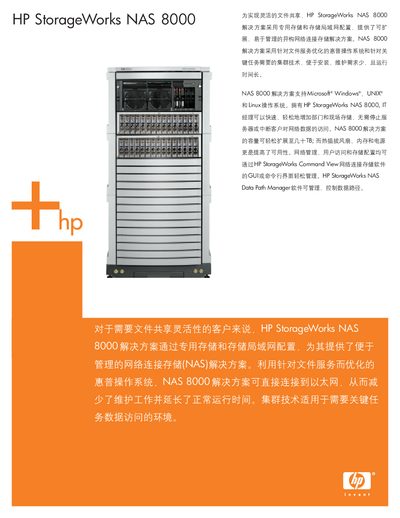
The HP StorageWorks NAS 8000 solution offers scalable network‑attached storage with support for Windows, UNIX, and Linux environments. It includes features such as snapshot, quota management, and integrated virus protection, and can be managed via a web GUI or command‑line interface.
The manual describes hardware components, RAID options, network interfaces, and clustering capabilities, as well as performance monitoring tools and supported protocols. It also lists warranty information and support contacts. This manual is written in Chinese.
| Maximum storage capacity | 30 TB |
|---|---|
| Network interfaces | 10/100 Base‑T and Gigabit Ethernet |
| Supported RAID levels | RAID 0/1 |
| Supported file protocols | SMB/CIFS, NFS |
| Management protocols | SNMP, NDMP, Web |
The NAS 8000 can be expanded up to 30 TB of raw storage capacity.
It supports SMB/CIFS and NFS for file sharing, as well as SNMP, NDMP and web management interfaces.
The system provides RAID 0 and RAID 1 configurations.