
Installation guide for HP Designjet 8000s series printers (models Q6670A/Q6671A/Q6686A) covering setup, safety, and configuration for qualified technicians.
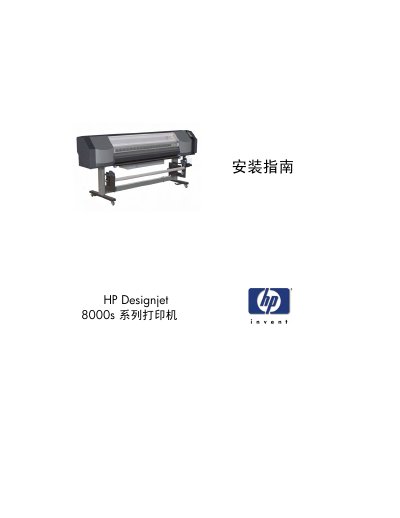
This document is the official installation guide for the HP Designjet 8000s series of inkjet commercial printers, specifically models Q6670A, Q6671A, and Q6686A. It is intended exclusively for qualified HP service personnel and covers the complete process of installing and setting up these large-format printers.
The guide provides detailed instructions on safety precautions, site preparation requirements, unpacking, assembly, and installation steps. It also includes procedures for calibrating print heads, installing RIP software, connecting USB cables, and performing system operation checks to ensure the printer is functioning correctly. This manual is written in Chinese.
| Weight | 211 kg (468 lbs) |
|---|---|
| Power Voltage | 90-140/198-260 VAC |
| Power Frequency | 50/60 Hz ± 1% |
| Power Consumption | 1350 VA or less |
| Power Cord Length | 4.5 meters (15 feet) |
| Required Clearance (Left/Right) | 0.6 meters (2 feet) |
| Required Clearance (Front/Back) | 1 meter (3.3 feet) |
This guide is intended exclusively for qualified HP service personnel.
The printer requires 90-140/198-260 VAC single phase power at 50/60 Hz ± 1%.
The floor must support the printer weight of 211 kg (468 lbs) plus the weight of at least two people.