
Key facts
- Brand
- DELL
- Model
- Venue 10 Pro Keyboard (K13M)
- Category
- Other Electronics
- Documents
- 3
- Languages
- EN · ZH
- Last added
- 2023-11-25
Start here
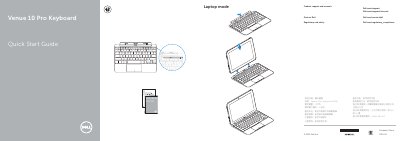
Dell Venue 10 Pro Keyboard Quick Start Guide
The Quick Start Guide for the Dell Venue 10 Pro Keyboard (K13M) shows laptop mode, tablet mode, stand mode, and tent mode. It also includes sections on using the Dell mini Active Pen and disconnecting the tablet.
The page provides Dell support, contact, and regulatory and safety links. A regulatory label lists a rated voltage of 5 V and a rated input current of 2 A.
All Dell Venue 10 Pro Keyboard (K13M) documents by type
The shortest path to a working setup, usually only a few pages.
Day-to-day operation, settings and troubleshooting. Start here if the product is already set up.
Questions answered in these manuals
What is the model number of the Dell Venue 10 Pro Keyboard?
The model is shown as Venue 10 Pro Keyboard (K13M).
Does the guide explain how to use the Dell mini Active Pen?
Yes, it includes a section called Using the Dell mini Active Pen.
What is the rated voltage of the Dell Venue 10 Pro Keyboard (K13M)?
5 volts.
What operating modes are supported by the Dell Venue 10 Pro Keyboard (K13M)?
The device supports Laptop mode, Tablet mode, Stand mode, Tent mode, and the ability to disconnect the tablet.
What is the rated input current for the Dell Venue 10 Pro Keyboard (K13M)?
The rated input current is 2 Amperes.