
Dell Venue 10 Pro Keyboard Quick Start Guide

The Dell Venue 10 Pro Keyboard is a versatile keyboard that can be used as an extended keyboard, a stand mode, a tablet mode, and a tent mode. It also supports the Dell mini Active Pen.
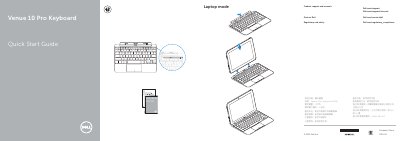

Dell Venue 10 Pro Keyboard Quick Start Guide - cover page
Brand
DELL
Category
Mouse keyboard
Document type
Quick Start Guide
Language
English
Pages
2
File format
PDF
File size
368 KB
Published
25 November, 2023
Updated
25 November, 2023
MD5 checksum
BC11B86D171549378CFCF9AF6F86E2B4

About this manual

The Quick Start Guide for the Dell Venue 10 Pro Keyboard (K13M) shows laptop mode, tablet mode, stand mode, and tent mode. It also includes sections on using the Dell mini Active Pen and disconnecting the tablet.

The page provides Dell support, contact, and regulatory and safety links. A regulatory label lists a rated voltage of 5 V and a rated input current of 2 A.

What's inside

  • Laptop mode
  • Tablet mode
  • Stand mode
  • Tent mode
  • Using the Dell mini Active Pen
  • Disconnecting the tablet
  • Product support and manuals
  • Contact Dell
  • Regulatory and safety

Specifications

Rated voltage5 V
Rated input current2 A

Frequently asked questions

What is the model number of the Dell Venue 10 Pro Keyboard?

The model is shown as Venue 10 Pro Keyboard (K13M).

Does the guide explain how to use the Dell mini Active Pen?

Yes, it includes a section called Using the Dell mini Active Pen.

What is the rated voltage on the regulatory label?

The label lists a rated voltage of 5 volts.

What is the rated input current on the regulatory label?

The label lists a rated input current of 2 amperes.

Download PDF (368 KB)

More DELL Manuals


View all DELL manuals →