
Key facts
Start here
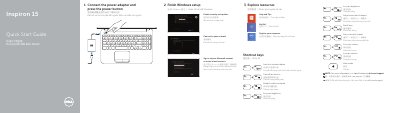
Inspiron 15 2014-03 Notebook Quick Start Guide
Quick Start Guide 2 pages · 246 KB · EN
This quick start guide is for the Dell Inspiron 15-3531 notebook. It shows how to finish Windows setup, use shortcut keys, and identify the computer's ports and features.
It also lists product support and manual links, plus regulatory and safety information for the computer.
Dell Inspiron 15-3531 specifications
| Computer model | Inspiron 15-3531 |
|---|---|
| Regulatory model | P28F |
| Regulatory type | P28F005 |
| USB 2.0 ports | 2 |
| HDMI port | 1 |
| Headset port | 1 |
| Media-card reader | Included |
| Touchpad | Included |
| Security-cable slot | Included |
| Camera | Included |
All Dell Inspiron 15-3531 documents by type
Quick Start Guide 1
The shortest path to a working setup, usually only a few pages.
Service Manual 1
Disassembly, diagnostics and part numbers, for repair.
Questions answered in these manuals
Where can I find specifications for this notebook?
The guide refers readers to Specifications at dell.com/support.
What is the computer model?
The computer model is Inspiron 15-3531.
What tools are recommended for servicing this computer?
A Philips screwdriver and a plastic scribe.
Who is authorized to remove the computer cover?
Only a certified service technician.