
Dell Venue 10 Pro Keyboard (K13M) Quick Start Guide

The Dell Venue 10 Pro Keyboard is a versatile keyboard that can be used as an extended keyboard, a stand mode, a tablet mode, and a tent mode. It also supports the Dell Mini Active Pen.
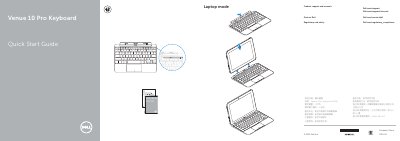

Dell Venue 10 Pro Keyboard (K13M) Quick Start Guide - cover page
Brand
DELL
Category
Other Electronics
Document type
Quick Start Guide
Language
Chinese
Pages
2
File format
PDF
File size
368 KB
Published
25 November, 2023
Updated
25 November, 2023
MD5 checksum
6B00E70FA89C6B3C450FD31A30DC3AA4

About this manual

This Dell Venue 10 Pro Keyboard (K13M) quick start guide lists the product's rated voltage and rated input current. It also refers readers to the user manual for notes, product functions, and emergency handling, and shows laptop, stand, tablet, and tent modes. This manual is written in Chinese.

What's inside

  • Laptop mode
  • Stand mode
  • Tablet mode
  • Tent mode
  • Disconnecting the tablet
  • Using the Dell mini Active Pen 90%

Specifications

Rated voltage5 volts
Rated input current2 amperes

Frequently asked questions

What is the rated voltage of the Dell Venue 10 Pro Keyboard (K13M)?

5 volts.

What is the rated input current?

2 amperes.

Where are product functions described?

Refer to the user manual.

Download PDF (368 KB)

More DELL Manuals


View all DELL manuals →