
Key facts
- Brand
- DELL
- Model
- PowerVault MD3200i
- Category
- Disk Array
- Documents
- 5
- Languages
- EN · KO
- Last added
- 2026-11-15
Start here
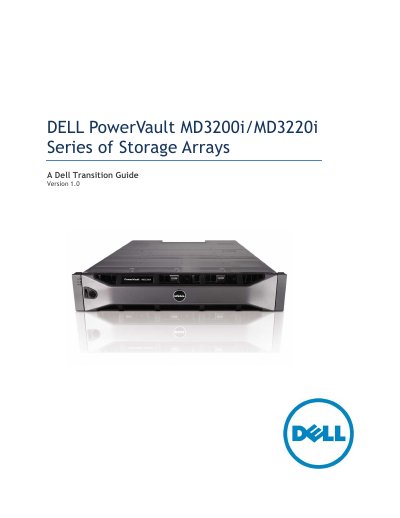
Dell PowerVault MD3200i/MD3220i Series Storage Arrays Transition Guide
This document serves as a transition guide for the Dell PowerVault MD3200i and MD3220i Series of Storage Arrays, intended for informational purposes to assist in moving from the previous MD3000i generation. It details the new features, product positioning, and specific configurations available for these iSCSI SAN arrays.
Read onlineDell PowerVault MD3200i specifications
| Processor | Intel Pentium or equivalent (1333 MHz or faster) |
|---|---|
| Memory | 512 MB RAM (1024 MB recommended) |
| Disk space | 1 GB disk space |
| Display resolution | 1024x768 with 16 million colors |
| Operating system | Microsoft Windows, Red Hat Enterprise Linux, and SUSE Linux Enterprise Server |
Source: Dell PowerVault MD3200i and MD3220i Storage Arrays Deployment Guide
All Dell PowerVault MD3200i documents by type
Mounting, wiring and first power-up. Read it before the hardware goes in.
Day-to-day operation, settings and troubleshooting. Start here if the product is already set up.
Questions answered in these manuals
What does this deployment guide cover?
It covers hardware installation, MDSM software installation, and initial system configuration for the Dell PowerVault MD3200i and MD3220i storage arrays.
From: Dell PowerVault MD3200i and MD3220i Storage Arrays Deployment Guide
Which operating systems is MDSM compatible with?
MDSM is compatible with both Microsoft Windows and Linux operating systems.
From: Dell PowerVault MD3200i and MD3220i Storage Arrays Deployment Guide
Which software is used to manage the storage array?
The storage array is managed by the Modular Disk Storage Manager (MDSM), which is compatible with Microsoft Windows and Linux operating systems.
From: Dell PowerVault MD3200i and MD3220i Storage Array Deployment Guide
What are the minimum management station requirements?
An Intel Pentium or equivalent processor at 1333 MHz or higher, 512 MB of RAM (1024 MB recommended) and 1 GB of disk space.
From: Dell PowerVault MD3200i and MD3220i Storage Array Deployment Guide
What is the maximum number of physical servers supported by the MD3200i series?
Each model is capable of supporting up to 32 physical servers.
From: Dell PowerVault MD3200i/MD3220i Storage Arrays Technical Guide
What are the key features of 6Gb SAS 2.0?
6Gb/s SAS Signaling, DFE (Decision Feedback Equalization), SSC (Spread Spectrum Clocking), SED (Self-Encrypting Drive) support, 2nd generation SAS Discovery, standardized zoning, and support for up to 256 devices.
From: Dell PowerVault MD3200i/MD3220i Storage Arrays Technical Guide