
The Dell PowerVault MD3200i/MD3220i Series of Storage Arrays Transition Guide introduces the features and benefits of the MD3200i and MD3220i Series storage arrays.
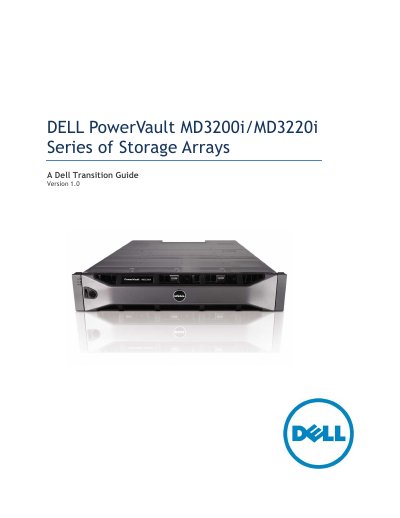
This document serves as a transition guide for the Dell PowerVault MD3200i and MD3220i Series of Storage Arrays, intended for informational purposes to assist in moving from the previous MD3000i generation. It details the new features, product positioning, and specific configurations available for these iSCSI SAN arrays.
| Rack Height | 2U |
|---|---|
| Host interface technology | 1Gb Ethernet |
| Disk interface technology | 6Gb SAS |
| Cache per controller | 2GB |
| Number of Drive bays (MD3200i) | 12 – 3.5" |
| Maximum HDD count | 96 |
| Drive Support | SAS, NL-SAS and SAS SSD |
The arrays support expansion to a maximum of 96 hard disk drives using MD1200 and/or MD1220 enclosures.
Yes, the ability to mix SAS, near-line SAS and SSD drives within the same enclosure supports blending drives for different performance tiers.
Supported operating systems include Windows 2008 R1 & R2, Red Hat 5.4 & 5.5, VMware ESX 4.0/4.1, and various Windows Storage Server versions.