
Key facts
Start here
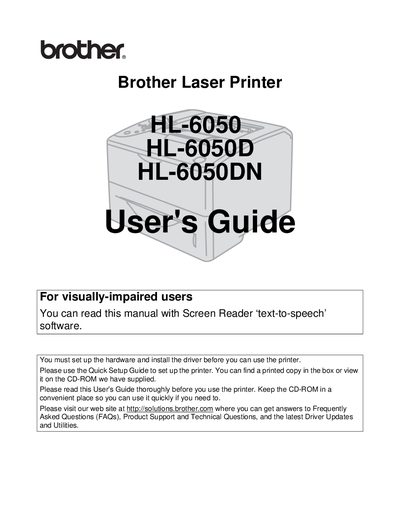
brother Laser Printer HL-6050 HL-6050D HL-6050DN users guide
This guide covers everything you need to know to set up and use the Brother HL‑6050, HL‑6050D, and HL‑6050DN laser printers. It includes hardware installation, driver installation for Windows and Macintosh, and detailed explanations of the control panel and menu functions.
Safety warnings, routine maintenance procedures, consumable replacement, and troubleshooting tips are provided, along with regional regulatory information and optional accessories such as network boards and additional memory.
Brother HL-6050D HL-6050DN specifications
| Supported paper weight | 75-90 g/m2 |
|---|---|
| Recycled paper standard | DIN 19309 |
| Recommended transparency | 3M CG3300 |
| Recommended labels | Avery laser labels L7163 |
Source: Brother HL-6050D HL-6050DN Laser Printer User Manual
All Brother HL-6050D HL-6050DN documents by type
Day-to-day operation, settings and troubleshooting. Start here if the product is already set up.
Questions answered in these manuals
How should I safely clean the printer?
Before cleaning, turn off the power switch and unplug the printer from the AC outlet.
From: brother Laser Printer HL-6050 HL-6050D HL-6050DN users guide
What should I avoid when handling the power plug?
Do not handle the plug with wet hands to prevent electrical shock.
From: brother Laser Printer HL-6050 HL-6050D HL-6050DN users guide
What paper weight is recommended?
Use paper weighing 75-90 g/m2.
Can inkjet paper be used?
No. Inkjet paper may cause paper jams and damage the printer.