
Key facts
- Brand
- Brother
- Model
- PT-90
- Industry
- Electronics
- Documents
- 2
- Languages
- ZH · PT
- Last added
- 2026-11-17
Start here
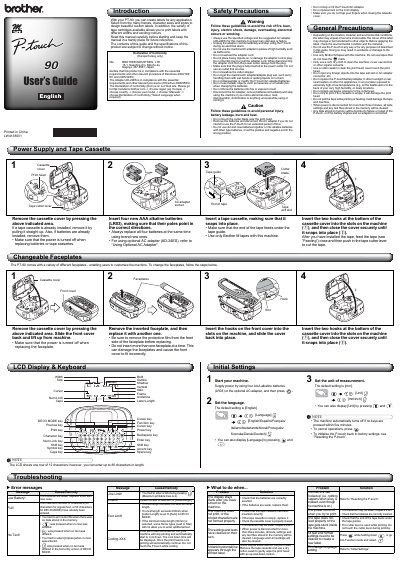
Brother PT-90 Label Printer User Manual
This manual provides instructions for using the Brother PT-90 label printer, including safety precautions, battery and tape cassette installation, and label creation. It covers how to change faceplates, set language and units, and troubleshoot common issues like low battery or print head errors. The guide also explains how to reset the device and manage text settings. This manual is written in Chinese.
Read onlineBrother PT-90 specifications
| LCD Display | 12 characters |
|---|---|
| Max Characters | 80 characters |
| Battery Type | 4x AAA (LR03) |
| Warranty Period | 3 months |
All Brother PT-90 documents by type
Day-to-day operation, settings and troubleshooting. Start here if the product is already set up.
Questions answered in these manuals
What batteries does the PT-90 use?
Use four AAA alkaline batteries (LR03).
How do I change the language setting?
Press and to display [Language], then select from [English/Español/Français/Italiano/Nederlands/Norsk/Português/Svenska/Dansk/Deutsch].
What is the default language setting?
The default language setting is English.
What happens if the print head gets too hot?
The machine stops printing and starts an automatic cooling process.