
Key facts
Start here
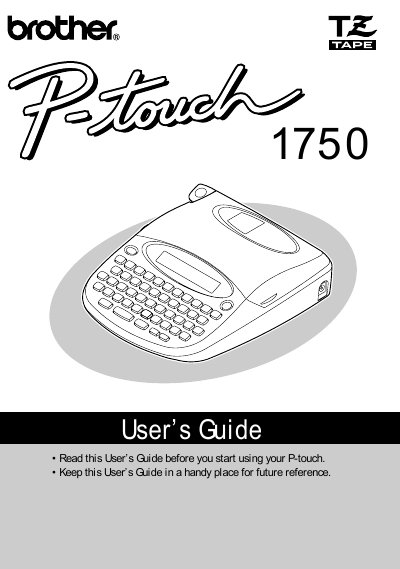
Brother P-touch 1750 Label Printer User's Guide
The Brother P-touch 1750 is a label printer described in this User’s Guide. It can create custom labels using frame designs and various character sizes and styles, with four tape widths: 1/4” (6 mm), 3/8” (9 mm), 1/2” (12 mm), and 3/4” (18 mm). The guide covers powering the machine with six AA batteries or the optional AD-30 AC adapter, loading TZ tape cassettes, attaching labels, and cleaning the print head and rollers.
It also explains keyboard and LCD operation, character size and style settings, frame and big-size functions, tape margins, mirror printing, numbering and repeat printing, and memory functions. Troubleshooting, error messages, specifications, and accessories are included.
Brother P-touch 1750 specifications
| Input Device | Keyboard with 49 keys |
|---|---|
| LCD | 7 · 5 dots, 15 characters, 1 line, 11 indicators |
| Print Tape | Pressure-sensitive, adhesive-based, 26’ 3” (8 m) long |
| Tape Widths | 1/4” (6 mm), 3/8” (9 mm), 1/2” (12 mm), 3/4” (18 mm) |
| Power Supply | Six AA batteries (AA/SUM-3/AM3/R6/LR6) or optional AC adapter |
| Print Head | 64 dot / 180 dpi |
| Dimensions | 6 9/10” (W) · 7 9/10” (D) · 2” (H) (176 · 201.5 · 52 mm) |
| Weight | 1.4 lbs (650 g) without a tape cassette and batteries installed |
| Buffer Size | Maximum 60 characters; maximum two lines |
| Memory Size | 300 characters |
| Character Size | Six sizes (AUTO, SIZE1, SIZE2, SIZE3, SIZE4, SIZE5) |
| Print Styles | Normal, Outline, Bold, Shadow, each combinable with Italic, and Vertical |
All Brother P-touch 1750 documents by type
Day-to-day operation, settings and troubleshooting. Start here if the product is already set up.
Questions answered in these manuals
What tape widths can the P-touch 1750 use?
The P-touch 1750 accepts four tape widths: 1/4” (6 mm), 3/8” (9 mm), 1/2” (12 mm), and 3/4” (18 mm).
How many batteries does the P-touch 1750 use?
It uses six AA batteries.
What type of batteries does the P-touch 1750 require?
The machine requires six AA batteries.
Can I use any AC adapter with this printer?
No, you must only use the AC adapter (model AD-30) designed exclusively for this machine.