
Key facts
Start here
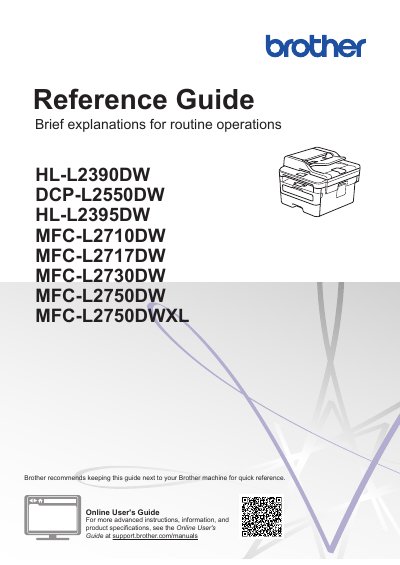
Brother HL-L2390DW/DCP-L2550DW/MFC-L2710DW/MFC-L2717DW Reference Guide
This Reference Guide offers brief explanations for routine operations of Brother multifunction printers, including fax, copy, and scan functions, as well as basic machine maintenance and troubleshooting tips. It is designed to be kept next to the machine for quick reference to help users navigate daily tasks efficiently.
Read onlineBrother DCP-L2550DW specifications
| Toner Cartridge Yield (Standard) | Approximately 1,200 pages |
|---|---|
| Toner Cartridge Yield (High Yield) | Approximately 3,000 pages |
| Toner Cartridge Yield (Super High Yield) | Approximately 4,500 pages |
| Drum Unit Yield | Approximately 12,000 pages |
Source: Brother HL-L2390DW/DCP-L2550DW/MFC-L2710DW/MFC-L2717DW Reference Guide
All Brother DCP-L2550DW documents by type
Day-to-day operation, settings and troubleshooting. Start here if the product is already set up.
Questions answered in these manuals
Where can I find the Online User's Guide?
You can view the Online User's Guide and other available guides by visiting support.brother.com/manuals.
From: Brother HL-L2390DW/DCP-L2550DW/MFC-L2710DW/MFC-L2717DW Reference Guide
How do I turn off the machine?
Press the Power button and hold it until the LCD displays [Shutting Down] and stays on for a few seconds before turning off.
From: Brother HL-L2390DW/DCP-L2550DW/MFC-L2710DW/MFC-L2717DW Reference Guide
What temperature and humidity range is recommended for placing the product?
The location should remain between 50°F and 90°F (10°C and 32°C) with humidity between 20% and 80% and no condensation.
Can flammable substances or solvents be used to clean the product?
No. Use only a dry, lint-free cloth for cleaning.